
Selecting the right file system is one of the most important decisions when setting up a RAID array.
The file system determines how data is stored, accessed, and managed across multiple drives. More importantly, it directly affects how easily files can be recovered if the array fails or becomes corrupted.
Many RAID users focus only on performance or capacity and overlook the impact of the file system on data recovery.
However, each system, whether NTFS, EXT4, XFS, or Btrfs, handles indexing, journaling, and metadata differently, which influences how data can be reconstructed after a crash.
This guide explains how to choose the best file system for RAID, comparing their performance, reliability, and recovery behavior so you can make informed decisions for your storage infrastructure.
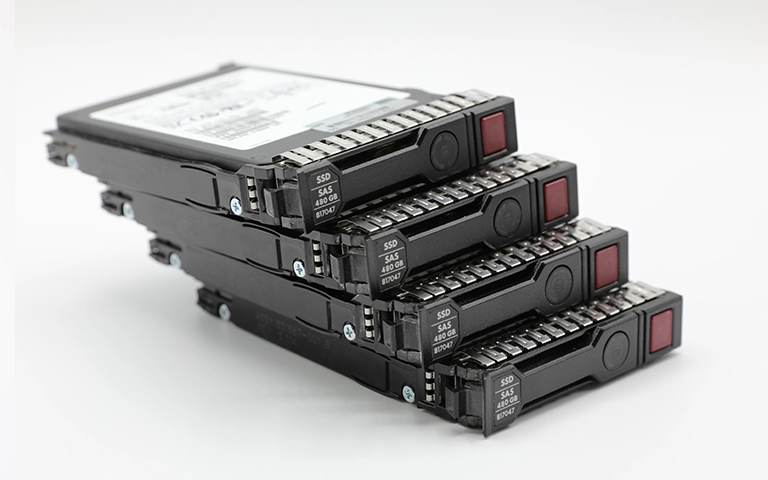
Understanding File Systems in RAID Arrays
A file system acts as the bridge between your operating system and physical storage. It defines how data is organized, named, and retrieved across the disks that make up a RAID array. Without a properly configured file system, even the most advanced RAID setup cannot function effectively.
In a RAID configuration, the file system works on top of the logical volume created by combining multiple drives.
It ensures that files are distributed efficiently across the array while maintaining consistency and reliability. When a drive fails or corruption occurs, the structure of the file system determines how easily lost data can be reconstructed.
Different operating systems prefer different file systems. For example, NTFS is the standard for Windows-based servers, while EXT4 and XFS are popular in Linux environments.
Choosing the right one depends on both performance needs and recovery flexibility, especially when dealing with enterprise data storage.
For a quick overview of how RAID configurations affect data distribution, visit Types of RAID.
Common RAID File Systems Explained
Each file system offers unique strengths and limitations when used in RAID environments. Understanding their characteristics helps determine which one best fits your system’s performance and recovery needs.
NTFS (New Technology File System)
Commonly used in Windows-based servers, NTFS supports large volumes and advanced security features. It offers reliable journaling that helps preserve data consistency, which can improve recovery results after a crash.
EXT4 (Fourth Extended File System)
A widely used Linux file system known for stability and balanced performance. EXT4 manages large files efficiently and is less prone to fragmentation, making it suitable for RAID 5 and RAID 6 configurations.
XFS
Designed for scalability, XFS excels in handling large files and high-performance workloads. It uses delayed allocation, which boosts speed but can complicate recovery if the system becomes corrupted.
Btrfs (B-tree File System)
Offers features like snapshots, checksums, and built-in RAID management. While flexible, it requires careful setup to avoid redundancy conflicts and can be complex to recover from when multiple drives fail.
ZFS (Zettabyte File System)
Known for its data integrity and self-healing capabilities, ZFS is often used in enterprise and virtualization environments. It performs well for redundancy but may require significant memory and hardware resources.
Selecting a file system involves balancing speed, compatibility, and recoverability. Some formats handle corruption better than others, which is critical when professional recovery is needed.
Fast turnaround times for business-critical data
Key Factors When Choosing a RAID File System
Selecting the best file system for RAID requires evaluating how it aligns with your operating environment, storage goals, and recovery expectations.
Below are the most important factors to consider before finalizing your setup.
If your RAID system handles large files or high I/O workloads, a high-performance file system such as XFS or ZFS may be the best fit. These options deliver faster throughput and efficient parallel processing for enterprise applications.
Ensure your chosen file system is fully supported by your operating system and RAID controller. For example, NTFS integrates seamlessly with Windows-based systems, while EXT4 is optimal for Linux environments.
Some file systems handle corruption or failure better than others. NTFS and ZFS, for instance, include journaling or checksum features that enhance recoverability. When recovery is required, this structural design can make a significant difference in data reconstruction success rates.
As data needs grow, your RAID setup should expand without performance loss. File systems such as Btrfs and ZFS are built for scalability, allowing easy volume management and storage pool resizing.
Look for formats that support robust error checking and redundancy features. File systems with built-in verification, like ZFS, help detect silent data corruption before it becomes critical.
Careful evaluation of these factors ensures that your RAID array performs efficiently and remains recoverable even under failure conditions. For insights into RAID reliability statistics, visit RAID Failure Rate.
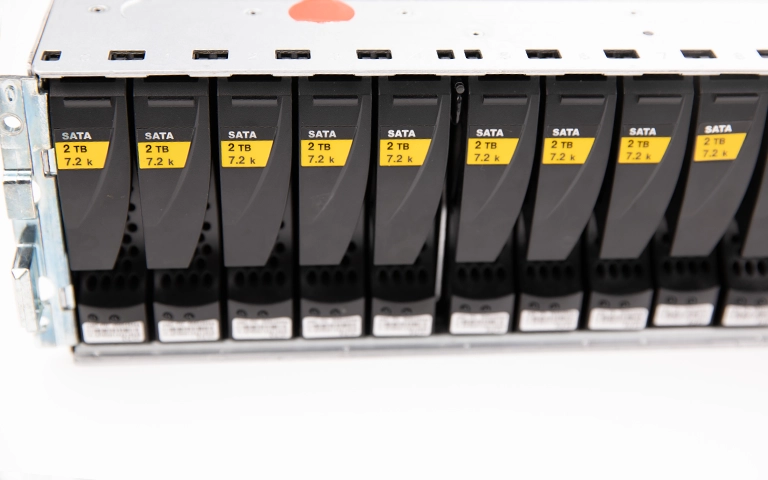
File System Comparison Table for RAID
The table below summarizes how popular file systems perform in RAID environments, focusing on their speed, reliability, scalability, and recovery friendliness.
This comparison helps identify which file system best fits your workload and recovery needs. For general information about RAID levels and how they influence file system choice, visit Types of RAID.
Recovery Challenges with RAID File Systems
Even well-configured RAID arrays can face data loss when a file system becomes damaged or mismanaged. Understanding these challenges helps prevent errors and improves the chances of successful recovery.
Here are the most common recovery challenges associated with RAID file systems:
Metadata corruption: When metadata that defines file locations becomes damaged, drives may appear empty even though data remains on the disks.
Parity mismatch: Errors during rebuilds or synchronization can cause mismatched parity data, making reconstruction complex.
Inconsistent journaling: Some file systems may record incomplete transactions after abrupt shutdowns, leading to partial corruption.
Drive order confusion: Incorrect drive sequencing after a failure can destroy logical volume structures, complicating recovery.
Unsupported file system recovery tools: Many standard utilities cannot handle advanced file systems such as XFS, Btrfs, or ZFS, which require professional recovery software and expertise.
When these problems occur, attempting do-it-yourself recovery can make matters worse.
At RAID Recovery Services, our engineers specialize in restoring arrays affected by file system corruption, parity errors, or controller malfunctions.
For more details about controller-related recovery, visit RAID Controller Failure Recovery.
Conclusion and Professional Guidance
Choosing the best file system for RAID is not only about achieving speed or capacity. It is equally about maintaining data integrity and ensuring that recovery remains possible if the array fails.
File systems such as NTFS, EXT4, and ZFS offer excellent balance between reliability and recoverability, while others like XFS or Btrfs may require more specialized management.
Before finalizing your setup, consider how easily your data could be restored in a failure scenario. A well-chosen file system can simplify recovery, while a poorly configured one can make it far more difficult.
If your RAID array experiences corruption or performance degradation, professional assistance is essential. The team at RAID Recovery Services provides expert evaluation and recovery for all RAID levels and file system types.
For more insights into long-term data safety, review RAID vs Backup, which explains why redundancy is not the same as true data protection.
Trust the experts with proven results
Frequently Asked Questions
What is the best file system for RAID?
The best file system depends on your environment and goals. NTFS and EXT4 are ideal for general use, while ZFS provides the strongest data integrity and recovery support for enterprise setups.
Can a damaged RAID file system be recovered?
Yes. Even if the file system becomes corrupted, specialists at RAID Recovery Services can rebuild the array and extract data using advanced imaging and reconstruction techniques.
Does the file system affect RAID performance?
Absolutely. Some file systems, like XFS, prioritize speed for large files, while others, such as EXT4, balance stability and compatibility. The choice directly impacts how efficiently the system reads and writes data.
What causes file system corruption in RAID arrays?
Corruption can result from power failures, drive order mistakes, controller errors, or incomplete rebuilds. Over time, hardware wear and software bugs can also damage file structures.
How can I prevent file system-related data loss in RAID?
Monitor drive health, maintain regular backups, and ensure the RAID controller firmware is up to date. Proper configuration and periodic testing help detect problems early and reduce recovery complexity.