
RAID systems are known for reliability and redundancy, helping businesses protect critical data from single-drive failures.
However, even the most advanced arrays are not immune to damage. When multiple drives fail or a rebuild goes wrong, the risk of data loss increases significantly.
RAID hard drive failure can disrupt workflows, cause downtime, and threaten valuable business information. Understanding why these failures occur and how recovery works is essential to minimizing damage and restoring operations quickly.
This guide explains the main causes of RAID hard drive failure and how professional recovery can help restore your data safely.
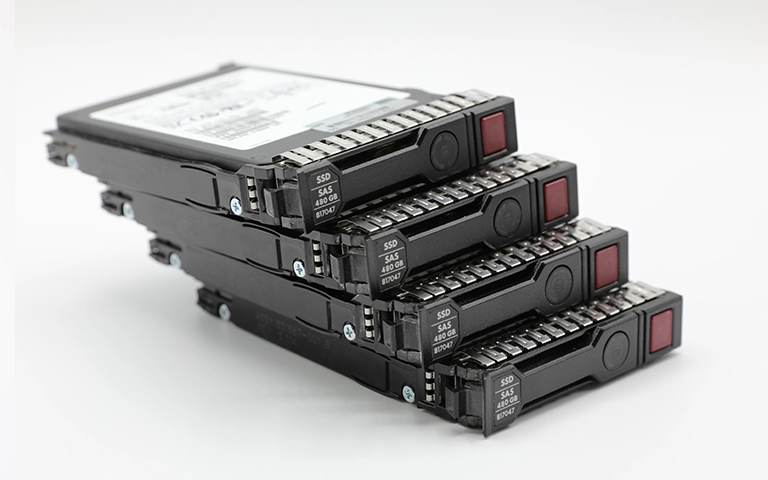
Understanding RAID Systems and Their Vulnerabilities
RAID, or Redundant Array of Independent Disks, combines multiple drives to improve performance and provide data protection through redundancy.
Each RAID level uses a different configuration to balance speed, storage capacity, and fault tolerance.
While RAID helps reduce the impact of a single-drive failure, it does not make your data completely safe. Arrays can still fail due to hardware damage, controller faults, or simultaneous drive issues. Improper rebuild attempts can also compromise data integrity.
To better understand how RAID reliability differs across setups, explore our detailed analysis on RAID Failure Rate.
Common Causes of RAID Hard Drive Failure
RAID systems can fail for a variety of physical and logical reasons. Recognizing these causes helps you take action before total data loss occurs.
Mechanical Wear and Tear: Hard drives contain moving parts that degrade over time, leading to read/write errors or complete failure.
Power Surges and Controller Damage: Sudden voltage spikes or faulty RAID controllers can corrupt data and disrupt communication between drives.
Overheating: Poor ventilation or excessive workload can cause thermal damage, reducing drive lifespan.
Rebuild or Synchronization Errors: Incorrect rebuilds or software issues during synchronization can overwrite or corrupt stored data.
Multiple Drive Failure: When two or more drives fail simultaneously, the entire array becomes inaccessible.
Learn more about the factors behind RAID data issues in our post on Reasons for RAID Data Loss.
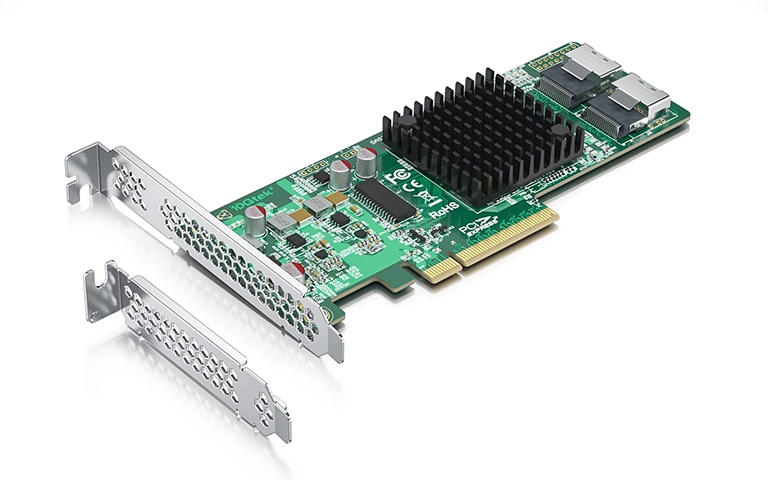
Warning Signs of RAID Array Problems
Identifying early signs of RAID issues can help prevent complete data loss. Common warning indicators include:
Degraded or Missing Drives: Your RAID management utility reports one or more drives as “degraded” or “offline.”
Unusual Noises or Delays: Clicking or grinding sounds often signal mechanical damage within a drive.
Slow File Access: Read and write speeds drop significantly, even during light usage.
Frequent Rebuild Failures: Rebuild processes stop unexpectedly or fail to complete.
Inaccessible Volumes: The RAID array no longer mounts or appears in the operating system.
If you notice any of these symptoms, act immediately to prevent permanent data loss.
What to Do After RAID Failure
When a RAID array fails, quick and careful action can make the difference between successful recovery and permanent data loss.
First, stop using the array immediately. Continued operation can overwrite critical data or worsen mechanical damage.
Avoid running rebuilds or recovery software without understanding the cause of failure, as these attempts often make recovery more complex.
Document any error messages or unusual behavior and disconnect the affected drives safely.
For detailed guidance on handling early RAID issues, visit our post on Troubleshoot RAID Failure. Professional evaluation ensures that data recovery can begin under safe, controlled conditions.
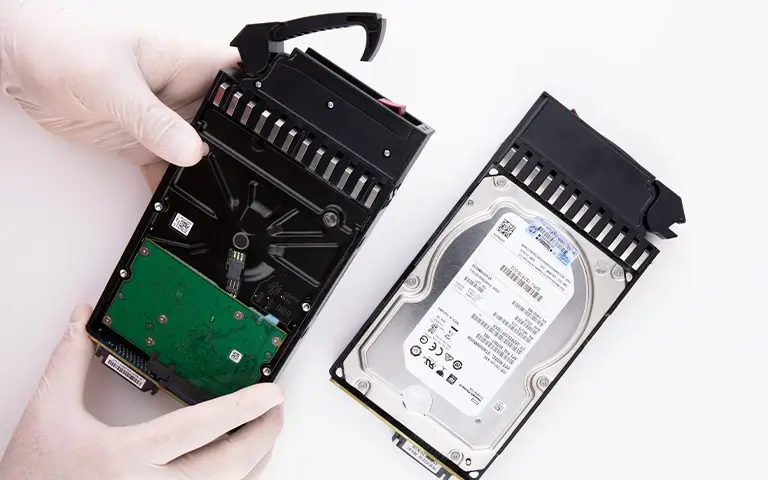
Fast turnaround times for business-critical data
Professional RAID Data Recovery Process
Recovering data from a failed RAID array requires specialized tools, expertise, and cleanroom environments. At RAID Recovery Services, engineers follow a structured process to restore data safely and completely.
The process begins with a detailed evaluation to identify the cause of failure. Damaged drives are carefully examined and imaged in a controlled environment to prevent further deterioration.
Once drive images are created, technicians rebuild the RAID configuration virtually to reconstruct the original data layout.
Attempting to rebuild the array manually can lead to data overwriting or corruption. Learn why this is risky in our guide on RAID Rebuild Data Loss Risks.

Preventing Future RAID Drive Failures
While RAID systems offer redundancy, proactive maintenance is key to keeping your data safe. Follow these preventive measures to reduce future risks:
Monitor Drive Health Regularly: Use SMART tools or monitoring software to detect early signs of degradation.
Replace Aging Drives Promptly: Avoid waiting for complete failure before swapping out drives nearing end of life.
Maintain Proper Cooling: Ensure consistent airflow and temperature control inside your server rack.
Use Power Protection: Install an uninterruptible power supply (UPS) to prevent voltage spikes and sudden outages.
Choose the Right RAID Configuration: Select a RAID level that matches your performance and redundancy needs.
Trust the experts with proven results
Conclusion: Restoring Reliability After RAID Drive Failure
RAID systems are designed to protect data, but no setup is completely immune to failure. Understanding the causes, recognizing early signs, and acting quickly can prevent permanent loss.
When failure occurs, professional recovery is the safest solution. At RAID Recovery Services, our engineers use advanced diagnostics and recovery techniques to restore data from damaged or degraded arrays with precision.
Regular maintenance, monitoring, and backups will help ensure your RAID system continues to perform reliably and safeguard your critical information for years to come.
Frequently Asked Questions
What is RAID 60 used for?
RAID 60 is designed for enterprise environments that require both high performance and strong fault tolerance. It’s commonly used in database servers, virtualization platforms, and data centers that manage large workloads.
How many drives are required for RAID 60?
A RAID 60 setup needs at least eight drives, as it combines multiple RAID 6 groups striped together. Each group requires a minimum of four drives to maintain dual parity protection.
How reliable is RAID 60 compared to other RAID levels?
RAID 60 offers higher reliability than RAID 50 because it uses dual parity. This means each group can withstand up to two drive failures without losing data, making it one of the most resilient configurations.
Can RAID 60 arrays fail?
Yes. Despite its strong redundancy, RAID 60 can fail due to controller issues, multiple drive failures within the same group, or user errors during rebuilds. Regular monitoring and professional maintenance help reduce these risks.
How is data recovered from a failed RAID 60?
Data recovery involves reconstructing each RAID 6 group first, then rebuilding the full RAID 60 array. At RAID Recovery Services, our specialists use advanced tools to restore parity information and recover your data safely.