
When managing critical business systems, not all hard drives are created equal. Some are built for everyday personal use, while others are designed to handle constant data access, heavy workloads, and years of nonstop operation.
These are known as enterprise hard drives, and they power the storage systems that keep organizations running.
But what exactly makes an enterprise hard drive different from a regular one?
And why do failures in these drives still lead to costly downtime and data recovery efforts, despite their robust design?
Let’s explore how enterprise drives work, what sets them apart, and how professionals recover data when they fail.
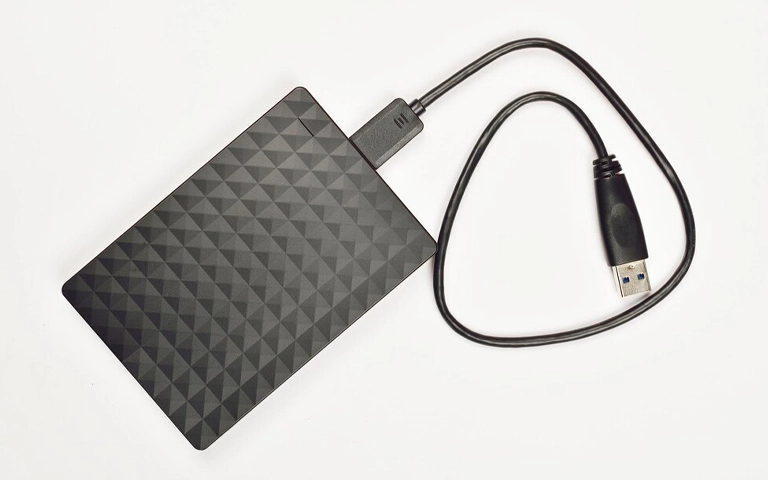
The Role of Enterprise Hard Drives
Enterprise hard drives are engineered to deliver maximum reliability and speed in environments that demand nonstop performance. They are used in data centers, servers, and RAID arrays where even brief downtime can disrupt operations or lead to financial loss.
These drives are designed to manage large amounts of data, operate 24 hours a day, and maintain consistent read and write speeds. Their components are more durable than those in desktop models, supporting heavy workloads and minimizing failure risks under continuous use.
Still, no drive is completely failure-proof. Power surges, overheating, or RAID controller errors can make enterprise systems inaccessible and result in data loss.
In such cases, professional engineers use advanced tools to rebuild damaged configurations and restore critical data.
At RAID Recovery Services, we specialize in recovering data from enterprise-grade drives used in complex server and storage systems, helping businesses minimize downtime and data loss.
What Defines an Enterprise Hard Drive
An enterprise hard drive is built with higher endurance, precision, and stability compared to standard desktop drives. These drives are specifically designed for 24/7 operation in high-demand environments such as corporate servers, storage arrays, and data centers.
Key features that define enterprise hard drives include:
Higher workload rating: Enterprise drives can handle hundreds of terabytes of read and write operations per year without performance loss.
Advanced error correction: They use enhanced firmware and sensors to detect and correct data errors faster, reducing the chance of corruption.
Better vibration control: Multiple sensors minimize the impact of vibration in systems with several drives working together.
Optimized for RAID use: Enterprise HDDs maintain consistent performance and synchronization when part of large RAID arrays.
Longer lifespan: Designed for reliability, these drives often have higher MTBF (Mean Time Between Failures) and sustained duty cycles.
These qualities make enterprise hard drives more reliable for businesses that depend on continuous access to large data volumes.
However, when they do fail, recovery is often more complex due to the volume of data and the drive’s integration within RAID systems.
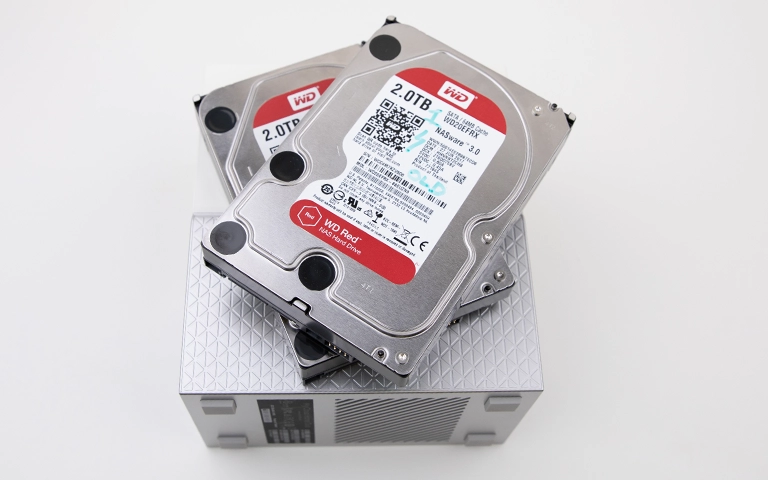
Enterprise HDD vs Desktop HDD – Key Differences
While desktop hard drives are built for general use, enterprise drives are designed for performance, reliability, and endurance under constant load.
The table below outlines the main distinctions between the two:
These differences highlight why enterprise drives are essential for professional environments. They ensure continuous performance and protect data in systems where downtime is not acceptable.
However, even with superior design, enterprise drives can still fail due to power issues, controller errors, or prolonged wear. When that happens, expert recovery becomes the only way to restore inaccessible data safely.
Why Enterprise Drives Are Used in RAID Systems
Enterprise hard drives are ideal for RAID setups because they deliver durability, precision, and stable performance under heavy workloads. Their firmware supports accurate synchronization between drives, reducing rebuild errors and downtime.
These drives are engineered to withstand vibration, heat, and 24/7 operation, making them reliable for servers and data centers.
However, even the most advanced RAID systems can fail due to power issues or drive wear. When that happens, professional recovery is essential to rebuild the array and restore critical data safely.
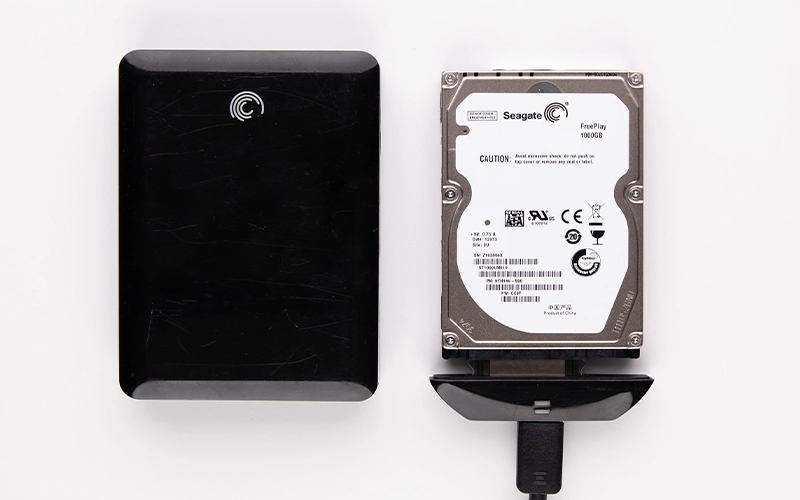
Common Causes of Enterprise Hard Drive Failure
Although enterprise hard drives are built for reliability, they still experience failure over time. Continuous operation, environmental stress, and hardware fatigue can all lead to performance degradation or complete data loss. Understanding these causes helps reduce risks and improve recovery outcomes.
Here are the most common reasons enterprise drives fail:
Mechanical wear: Continuous spinning and read/write operations eventually wear out internal components such as heads and platters.
Overheating: Poor cooling or excessive load can raise internal temperatures, damaging sensitive drive parts.
Power surges: Sudden voltage spikes can burn drive electronics or corrupt stored data.
Controller malfunction: A failed RAID controller can cause multiple drives to go offline or show as unconfigured.
Firmware corruption: Faulty updates or sudden shutdowns can damage firmware and make the drive unreadable.
Physical impact or vibration: Repeated vibration or accidental shock can misalign internal mechanisms.
When one or more of these failures occur, data stored on enterprise drives can become inaccessible.
In such cases, recovery requires advanced imaging and RAID reconstruction techniques performed in a controlled environment by specialists.
See our guidance on data loss prevention.
Fast turnaround times for business-critical data
How Enterprise Hard Drive Recovery Works
Recovering data from enterprise hard drives requires specialized equipment and precise handling. Because these drives are often part of RAID arrays or servers, recovery must be done carefully to prevent further damage or data corruption.
The process usually involves several key steps:
Initial diagnostics: Engineers assess the condition of each drive, checking for physical, logical, or firmware issues.
Drive imaging: Each disk is cloned using sector-by-sector imaging tools to preserve all readable data.
Repair and stabilization: Damaged components such as heads or PCBs are replaced when necessary in a cleanroom environment.
RAID reconstruction: If the drives were part of a RAID array, the RAID configuration is rebuilt using precise parameters to restore data structure.
Data extraction and verification: Once the array or drive image is rebuilt, files are recovered, tested, and transferred to secure storage.
At RAID Recovery Services, our engineers follow strict recovery procedures to ensure data integrity throughout the process.
Whether dealing with a single enterprise drive or a large RAID system, each case is handled with the same level of precision and confidentiality.

Preventing Data Loss in Enterprise Environments
- Monitor drive health regularly. Use tools that track temperature, read/write errors, and performance metrics.
- Maintain proper cooling and power supply. Stable temperature and clean power reduce the stress on drive components.
- Schedule regular backups. Always keep an independent backup of critical files, stored offsite or in the cloud.
- Replace aging drives proactively. Swap out drives nearing their expected lifespan before failure occurs.
- Test RAID rebuild procedures. Ensure that recovery processes work correctly before a real failure happens.
These preventive actions extend the lifespan of enterprise drives and minimize costly downtime. For more guidance, read our detailed post on Data Loss Prevention.
Conclusion – Reliable Drives Still Need Reliable Recovery
Enterprise hard drives are built for endurance, precision, and nonstop operation, but no storage device is completely immune to failure. Power issues, controller faults, and wear over time can still lead to data loss even in the most advanced systems.
Using enterprise drives within RAID setups adds redundancy but does not replace the need for a solid backup plan. The best protection combines dependable hardware, proactive monitoring, and professional recovery support when things go wrong.
At RAID Recovery Services, we specialize in recovering data from enterprise-grade hard drives used in servers, RAID arrays, and large-scale storage systems.
If your business experiences an unexpected failure, our team can assess the issue, rebuild the configuration, and restore your data safely and efficiently.
Trust the experts with proven results
Frequently Asked Questions
What makes an enterprise hard drive different from a regular one?
Enterprise hard drives are designed for continuous 24/7 operation, higher workloads, and better durability. They have improved vibration resistance, advanced error correction, and longer lifespans compared to standard desktop drives.
Can enterprise hard drives still fail?
Yes. Even with superior build quality, enterprise drives can fail due to mechanical wear, overheating, power surges, or RAID controller errors. When this happens, professional recovery is often required to restore data safely.
How are enterprise hard drives used in RAID systems?
Enterprise drives are preferred in RAID configurations because they synchronize efficiently and handle heavy workloads. Their reliability reduces downtime, making them ideal for servers and critical storage arrays.
What should I do if an enterprise hard drive fails?
Stop using the affected system immediately to prevent data overwriting. Avoid DIY repairs or rebuild attempts and contact a professional recovery service for evaluation and safe restoration.
Does RAID Recovery Services recover data from enterprise drives?
Yes. RAID Recovery Services specializes in recovering data from failed enterprise hard drives, including those used in complex RAID and server environments. Our engineers perform secure diagnostics and precise recovery to ensure data integrity.