
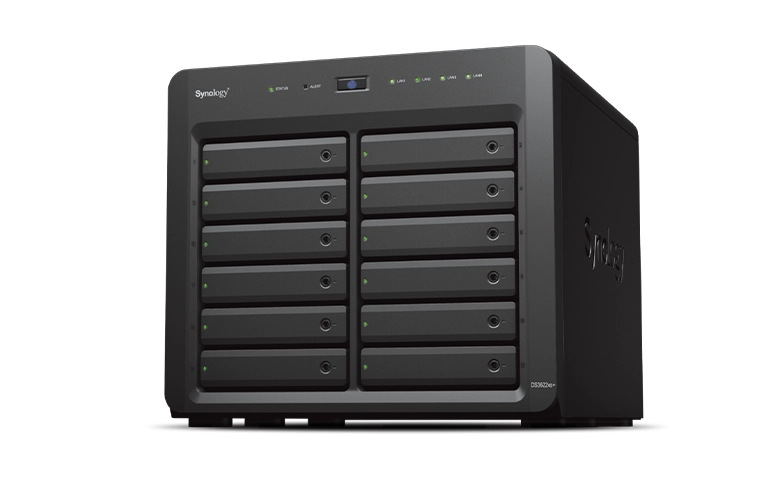
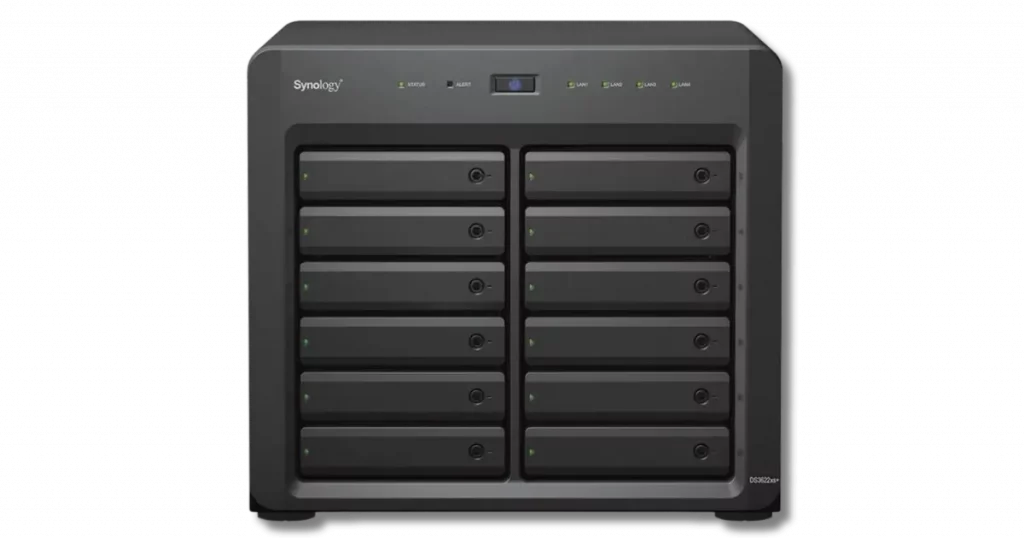
A musician from Miami contacted us after his Synology DS3622XS+ DiskStation NAS stopped working without warning.
The device had been used to store years of music production files, recordings, and project backups. When it began making clicking noises and failed to start properly, he lost access to all his essential data.
Because these files were needed for an upcoming release, the client urgently searched for a solution.
Despite his technical knowledge, he understood that continuing to power the NAS could worsen the damage. To avoid permanent loss, he decided to reach out to RAID Recovery Services for professional assistance.
Device Symptoms and Troubleshooting Attempts
Before contacting us, the client tried several steps to restore access to his Synology NAS. He followed online guides, checked drive connections, and attempted system recovery through Synology’s support resources.
However, none of these methods resolved the issue, and the device continued producing clicking sounds whenever powered on.
These noises indicated a possible mechanical failure in one or more drives, likely related to the read/write heads.
Despite the urgency of his project, the musician recognized that further attempts could make recovery impossible. He decided to stop all activity and rely on a professional NAS data recovery service instead.
To understand what often leads to such failures, visit Reasons for RAID Data Loss.
Secure Shipping and Initial Evaluation
After contacting our support team, the client opted for our emergency evaluation service to speed up the recovery process.
We immediately provided him with a prepaid shipping label and packaging guidelines to ensure safe transportation of the NAS to our lab.
Once received, our engineers began the evaluation following our standard diagnostic workflow.
Our evaluation process included:
Device inspection: Checking the NAS enclosure, internal connections, and drive health indicators.
Drive testing: Assessing each drive individually to identify mechanical or logical issues.
Imaging preparation: Setting up controlled read sessions to avoid further damage to the failing drives.
RAID configuration review: Examining the Synology RAID setup to confirm the layout and redundancy level.
This careful inspection revealed that one of the drives could not be detected at all, confirming a mechanical failure that required physical repair.
For more details on how controller-level issues can affect NAS arrays, visit RAID Controller Failure Recovery.
Identifying the Root Cause of Failure
During the diagnostic stage, our engineers identified that one of the hard drives inside the Synology DS3622XS+ had suffered read/write head failure.
This was the reason the NAS produced clicking noises and could not be recognized by any software tools. The damaged heads were preventing the platters from spinning and reading data correctly.
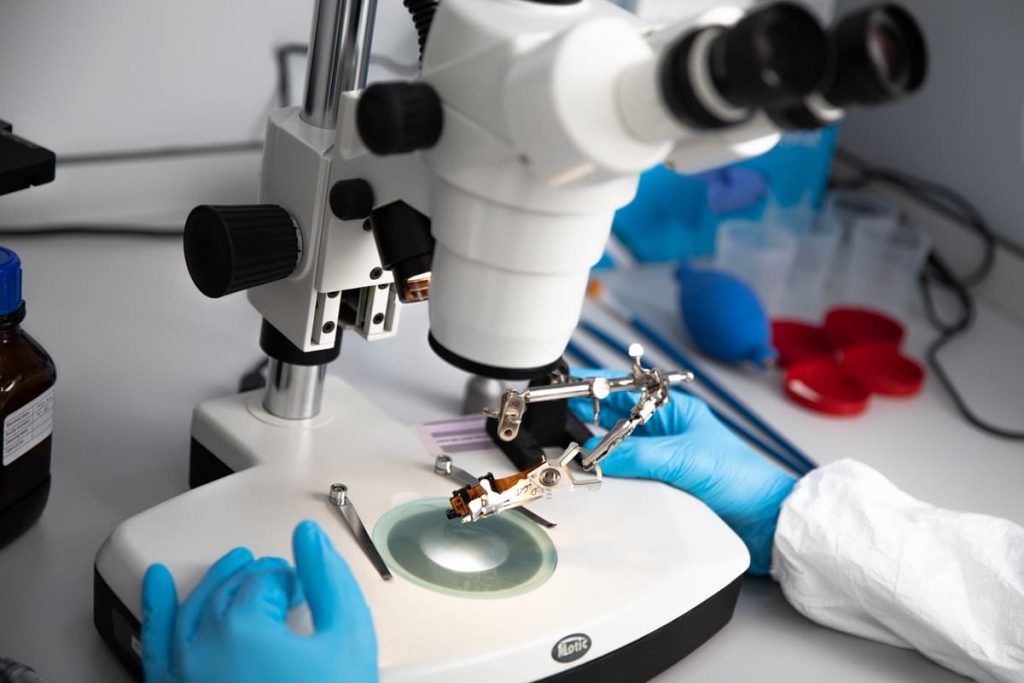
To restore drive functionality, our technicians performed a controlled head replacement procedure in a certified clean environment.
Using compatible donor parts from our inventory, they replaced the defective components and carefully realigned the new heads to match the original calibration.
After completing the repair, the drive became fully accessible again, allowing our team to proceed with the data extraction phase.
To learn more about how mechanical faults can disrupt RAID functionality, read Troubleshoot RAID Failure.
Professional Synology NAS Data Recovery Process
Once the damaged drive was repaired, our engineers began the data recovery process using a step-by-step approach to ensure accuracy and safety throughout the operation.
Our recovery process included:
Drive imaging: Created verified sector-by-sector copies of all functional drives to prevent additional wear.
RAID structure analysis: Reviewed Synology’s RAID configuration to identify disk order, parity rotation, and stripe size.
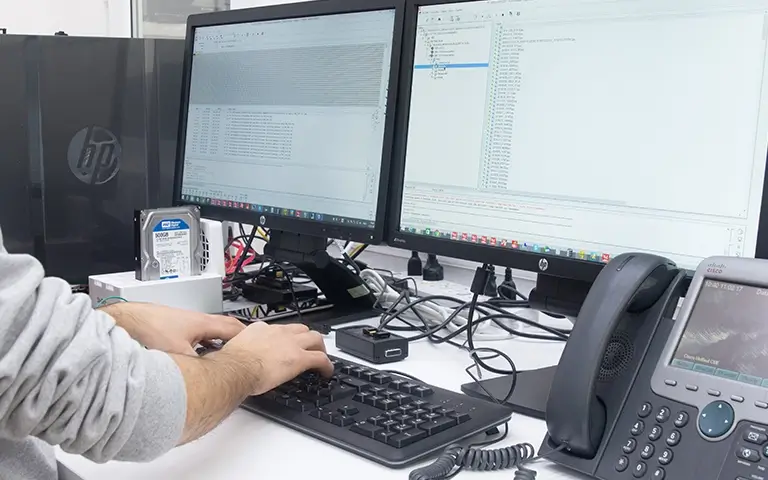
Data extraction: Accessed and retrieved music files and production projects from the restored array.
File system reconstruction: Rebuilt the logical structure to preserve original folders, filenames, and timestamps.
Data validation: Checked each recovered file for integrity and confirmed successful playback.
This detailed approach allowed our engineers to recover every accessible file from the NAS while maintaining the original directory organization.
For similar Synology recovery cases, visit Synology System Partition Failed Recovery and How to Repair Degraded RAID.
Data Recovery Results and Client Satisfaction
After completing the recovery process, our team successfully restored all of the client’s music records and project files. The recovered data was organized exactly as it appeared on the original NAS, allowing for a seamless transition back into his workflow.
To ensure full accuracy, we arranged a remote verification session, where the client securely accessed the recovered files from our server.
He confirmed that every track, folder, and session file was intact and functional. Once verification was complete, we transferred the data to a new storage device provided by the client.
The musician expressed his gratitude, relieved to have all his valuable recordings restored just before his project deadline. The successful recovery allowed him to continue producing and releasing new music without disruption.
Fast turnaround times for business-critical data
Recover Your Synology NAS Data with Confidence
At RAID Recovery Services, we understand how critical NAS systems are for professionals who rely on consistent data access.
Our engineers specialize in Synology NAS data recovery, handling cases that involve physical damage, logical corruption, or complex RAID reconstruction.
Whether you use your Synology system for creative projects, business operations, or personal storage, our recovery process is designed to ensure safety, precision, and reliability.
From head replacements to RAID rebuilding, every step is performed in a controlled environment to achieve the highest success rates.
If your Synology NAS starts making unusual sounds or becomes inaccessible, turn it off immediately and contact our specialists.
Our team will evaluate your situation, guide you through secure shipping, and help you recover your files with confidence.
Trust the experts with proven results
Frequently Asked Questions
What causes a Synology DS3622XS+ NAS to fail?
Failures can result from mechanical issues such as head damage, power surges, or corrupted RAID configurations. Extended operation or sudden shutdowns can also cause drives to degrade and lead to data loss.
Why does my Synology NAS make clicking noises?
Clicking noises often indicate a mechanical failure inside the hard drive, usually involving the read/write heads. Continuing to power on the NAS can worsen the damage, so it is best to shut it down and seek professional help.
How do professionals recover data from Synology NAS drives?
Engineers clone the drives, rebuild the RAID structure virtually, and extract the data using specialized recovery tools. This process ensures file integrity and prevents further harm to the original disks.
Can I recover data from a failed Synology NAS myself?
DIY recovery is not recommended. Without proper tools and a controlled environment, you risk permanent data loss. Professional recovery ensures a safe and accurate restoration process.